New OpenAI model GPT Image 2
Pass up to 16 reference images in one request — GPT Image 2 blends character, style, background, and composition into a single result. Plus a native edit endpoint, legible text on images, and photorealism. No VPN, no ChatGPT Plus.
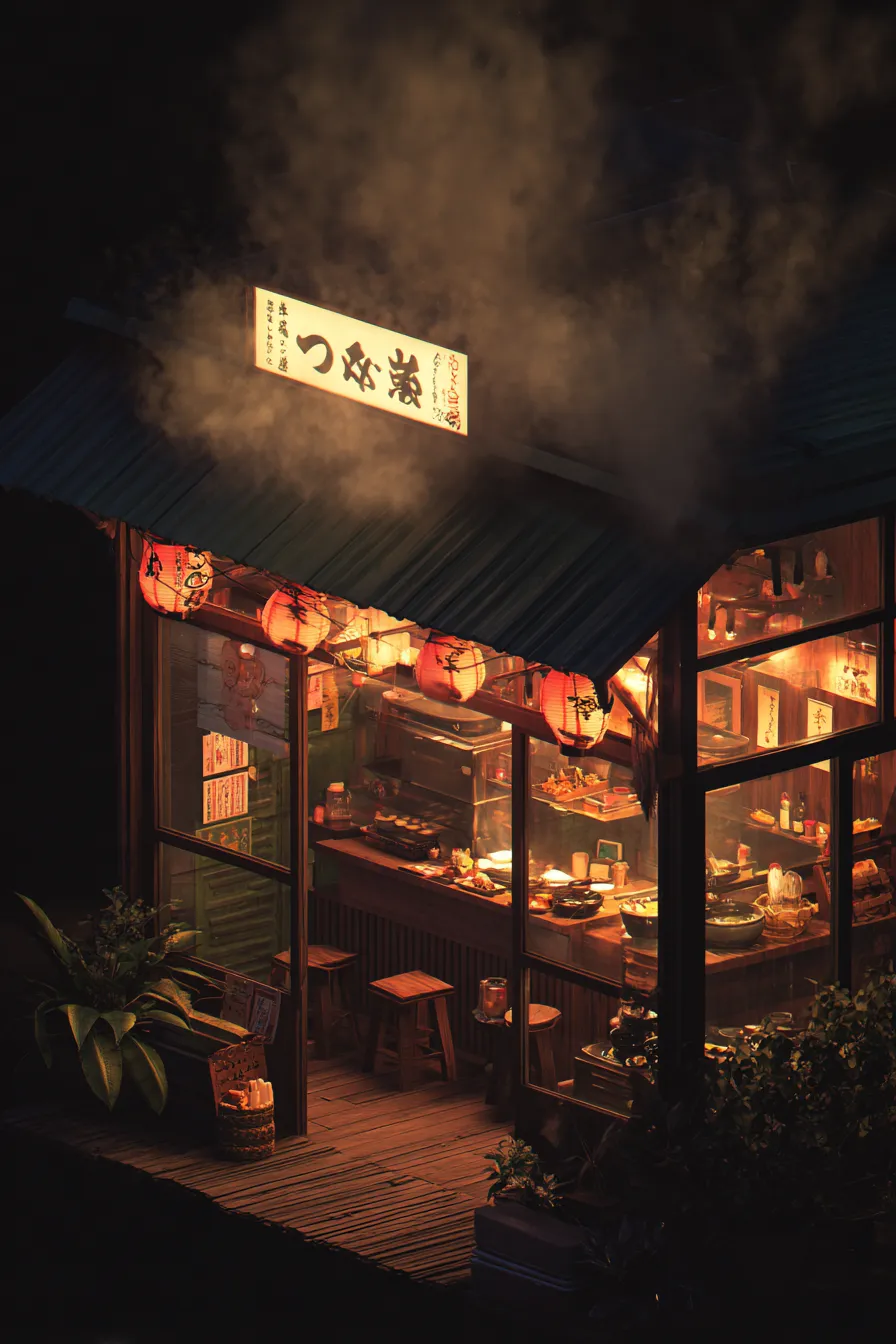
Done. Composed the scene from all 3 references: interior, sign, and mood. Want to add more references or edit?
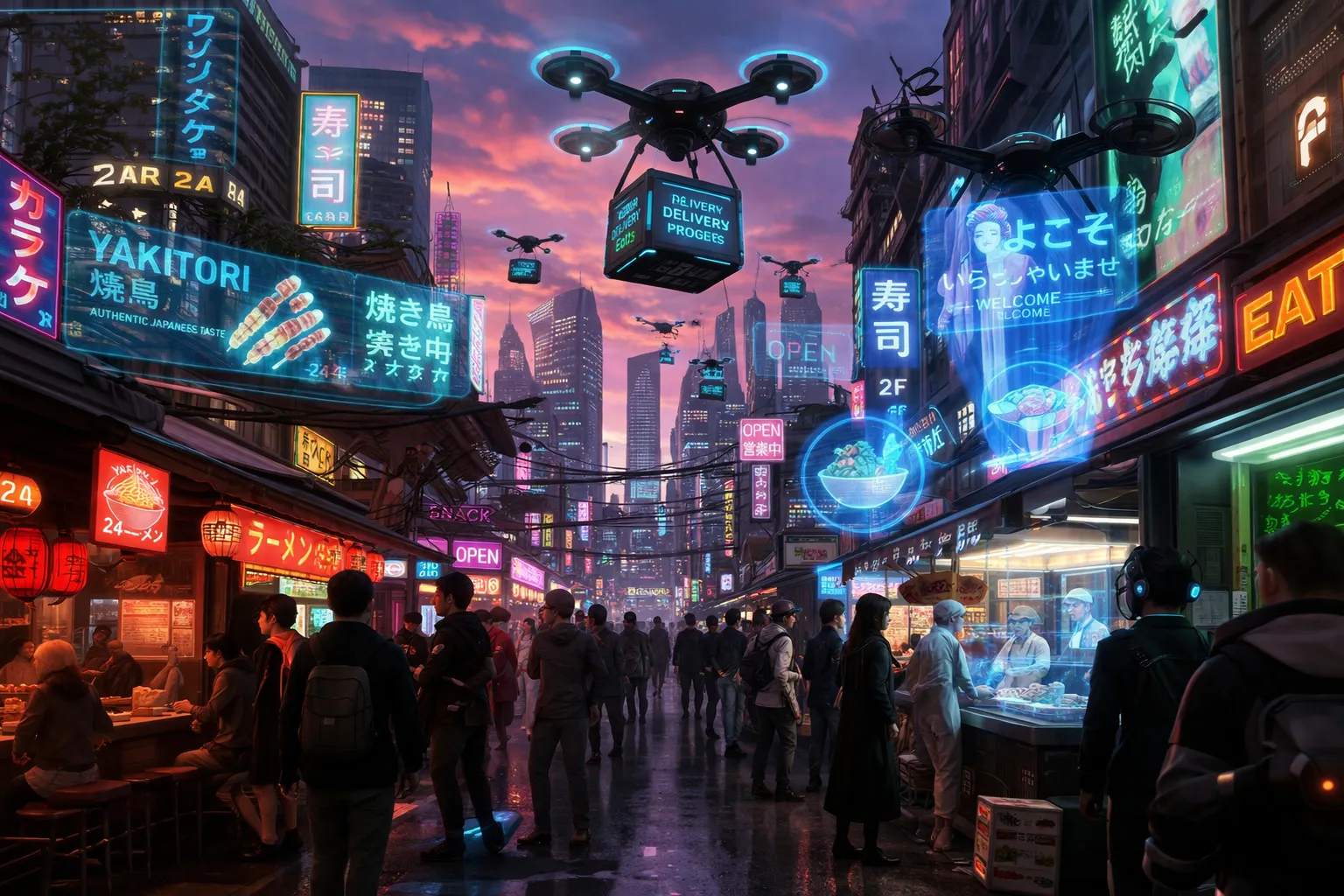
Edit applied. The "RAMEN" sign was added to the facade; the rest of the composition is preserved pixel-for-pixel.
What GPT Image 2 Can Do
Six capabilities you won't find in earlier OpenAI image models
Up to 16 references at once
Pass character, style, background, and composition references in a single request — GPT Image 2 fuses them into one coherent result.
Native edit endpoint
In-place edits — change a background, remove an object, swap a label — without regenerating the rest of the image.
Text on images
Renders legible text, logos, and captions in English, Russian, and other languages — no garbled lettering.
Quality tiers
Low, Medium, High, Auto — pick the speed/cost trade-off you need. From $0.07 for fast iteration to high-detail final assets.
Photorealism + art
From product photography to painting and 3D — one model covers the whole visual spectrum.
Speed
Results in 8–15 seconds at low/medium, ~25 seconds at high. Parallel generations don't block the UI.
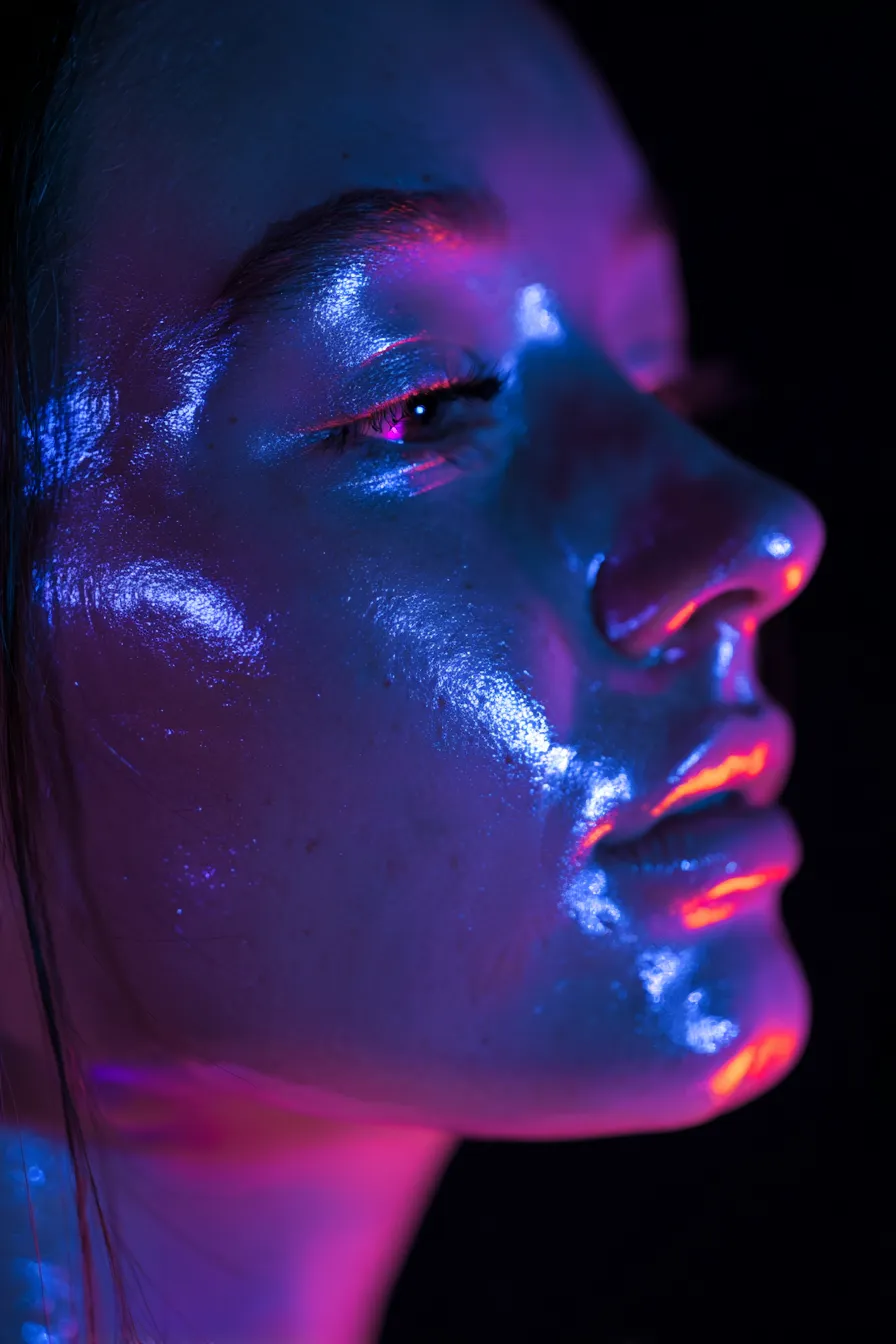
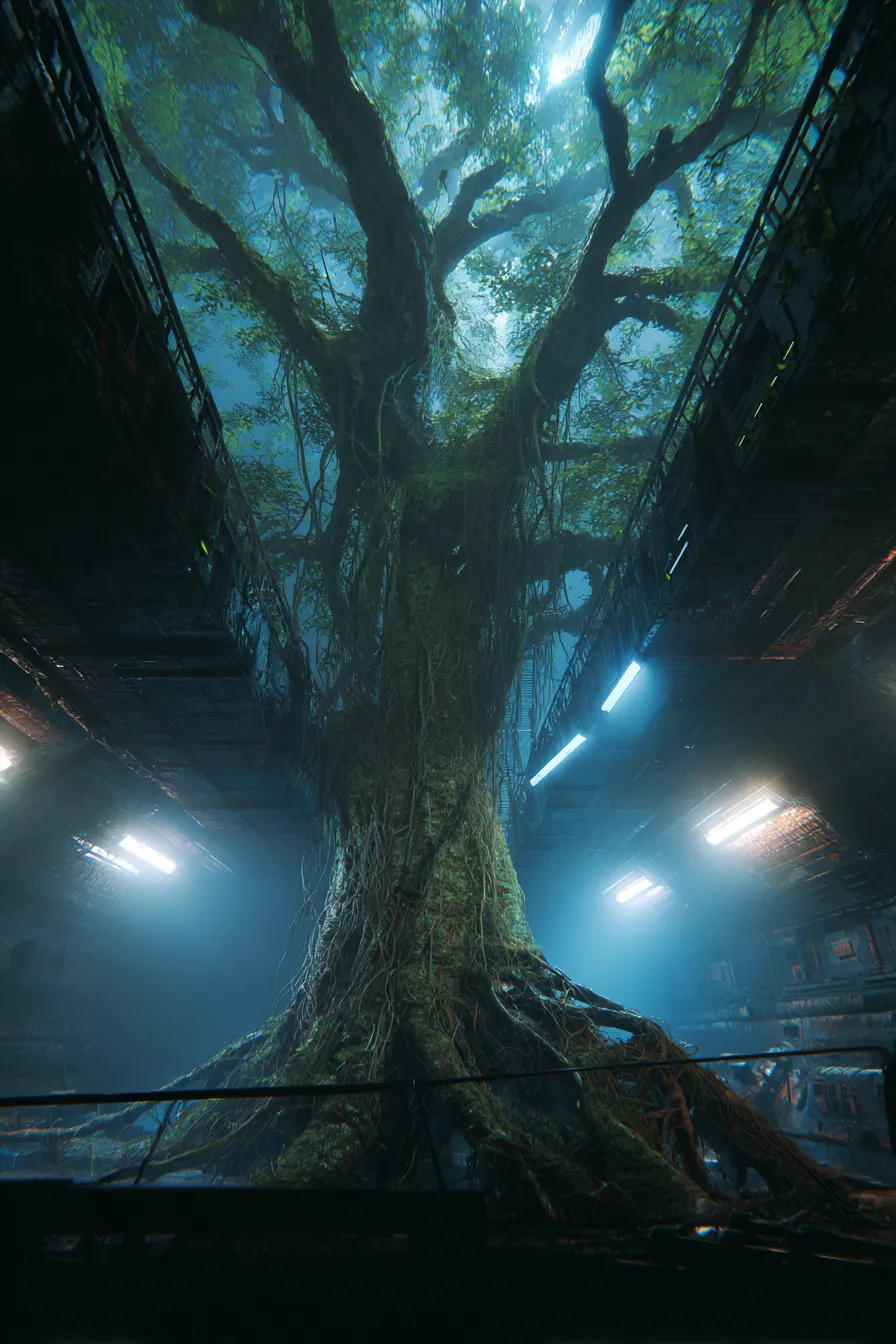
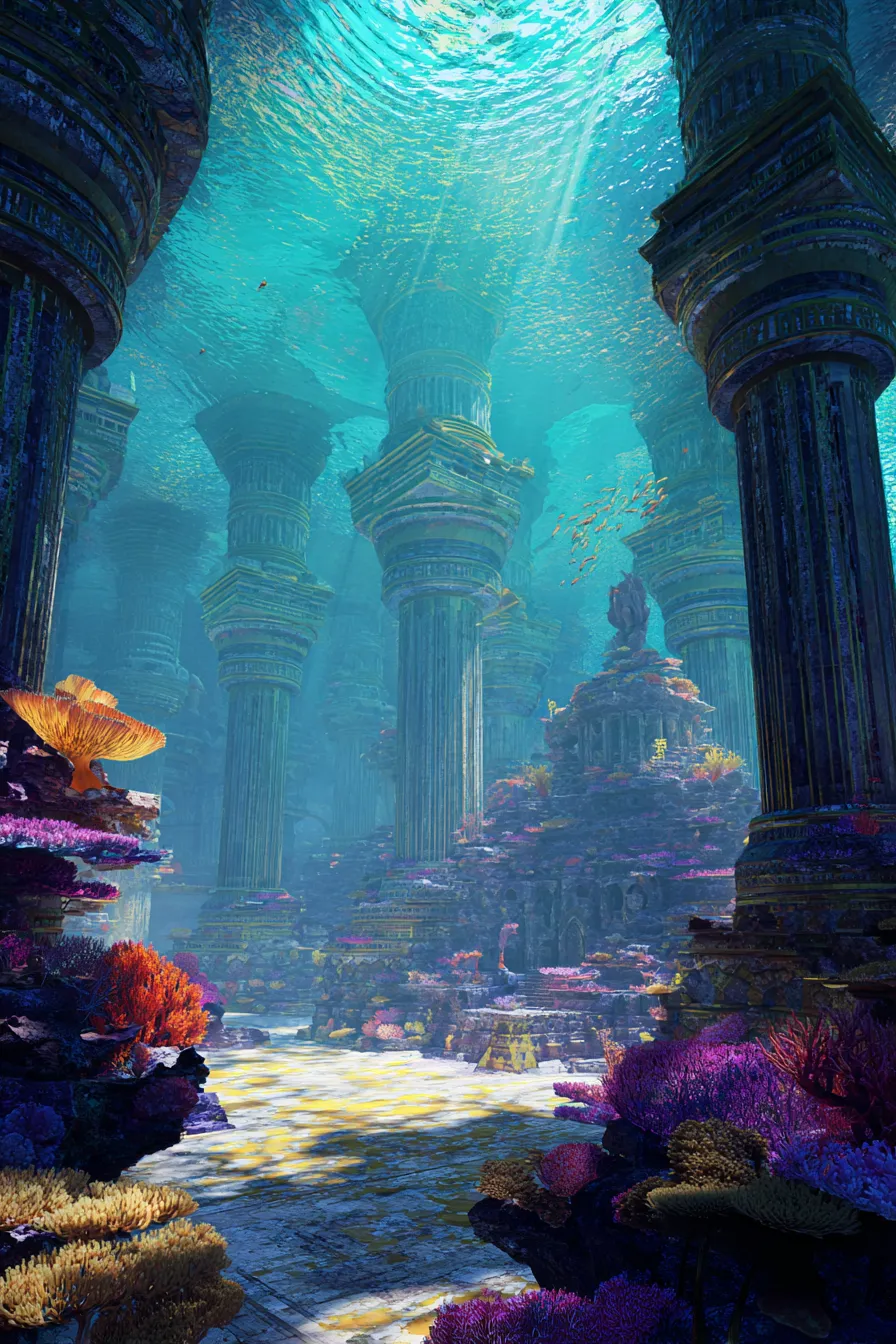
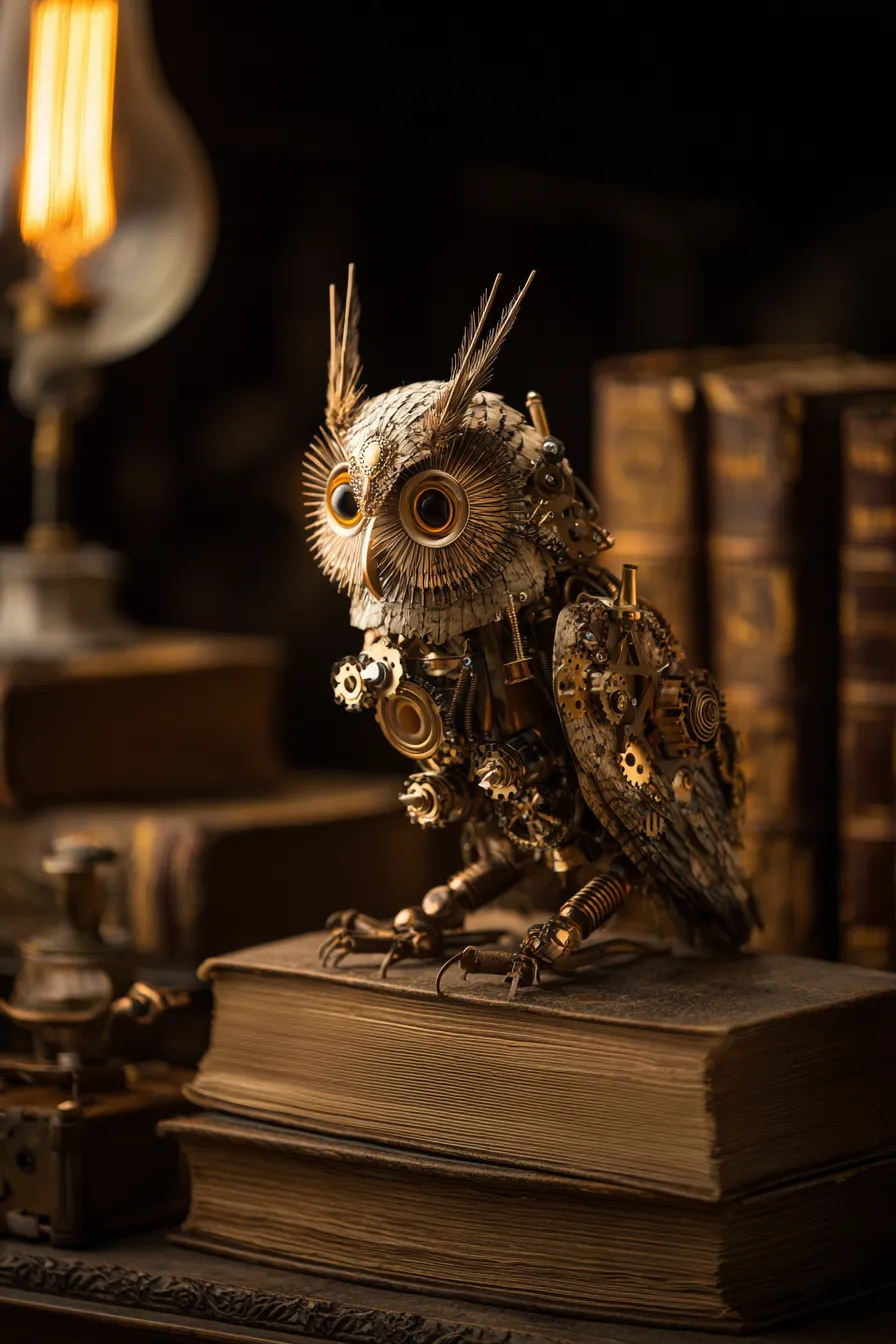
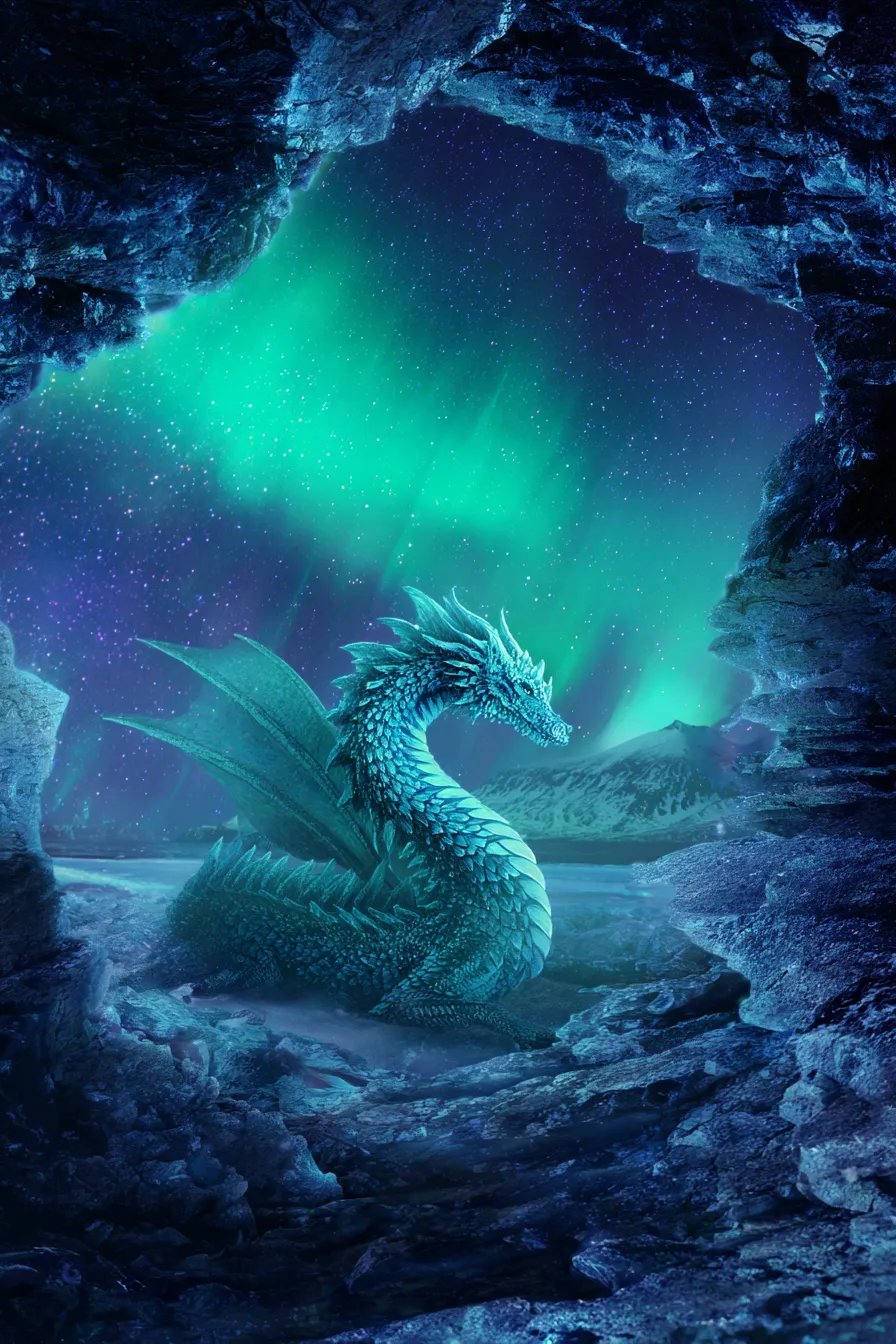
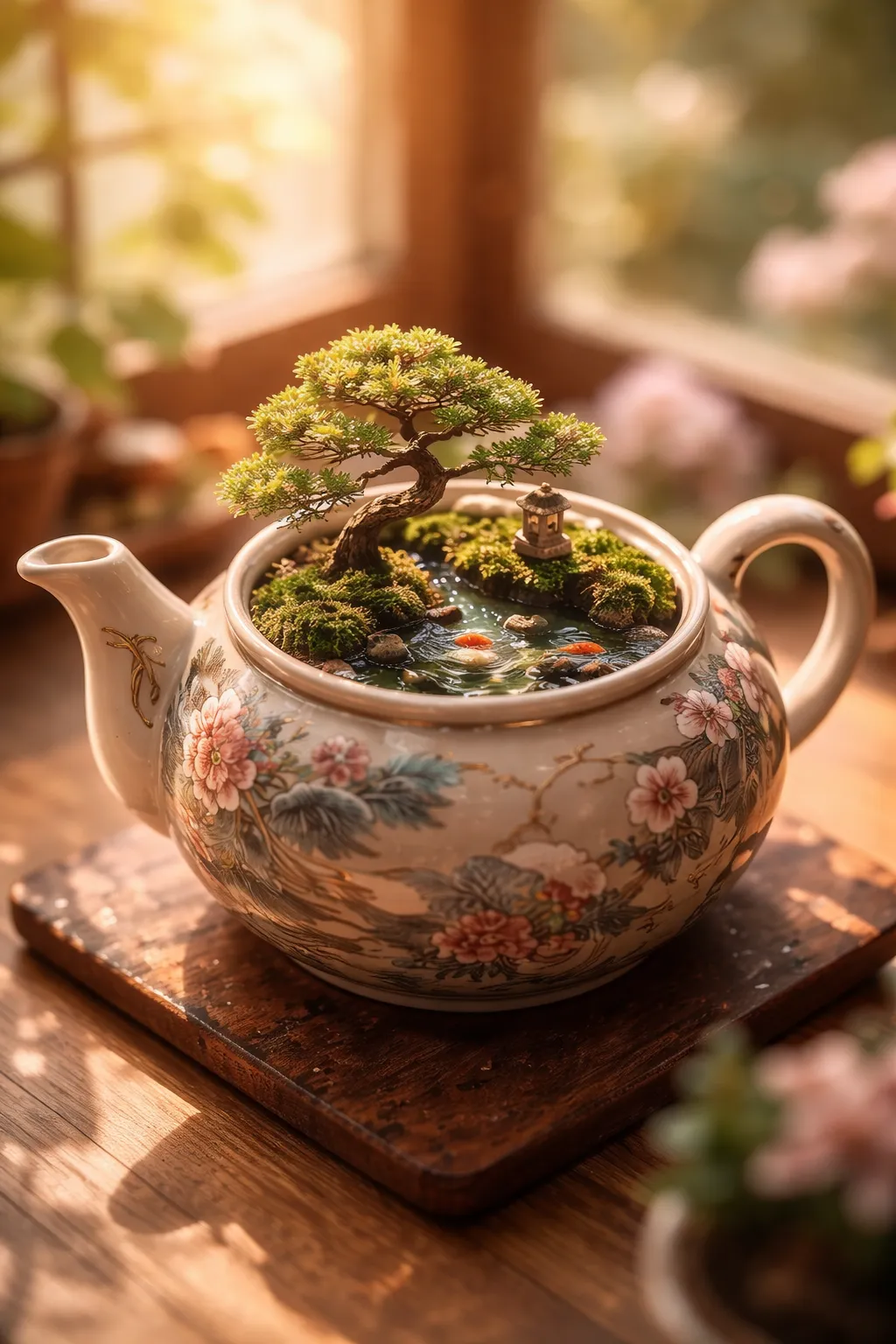
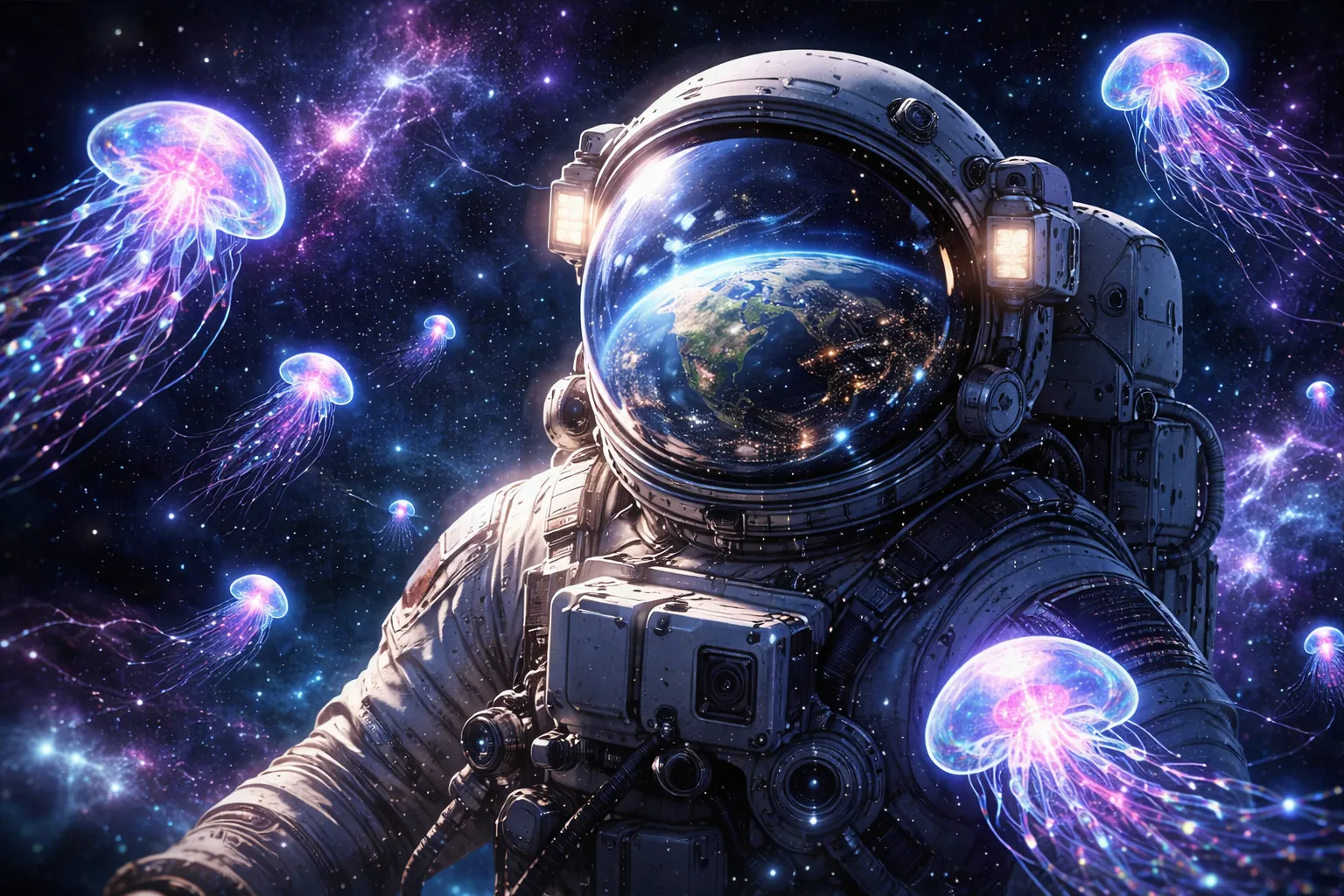
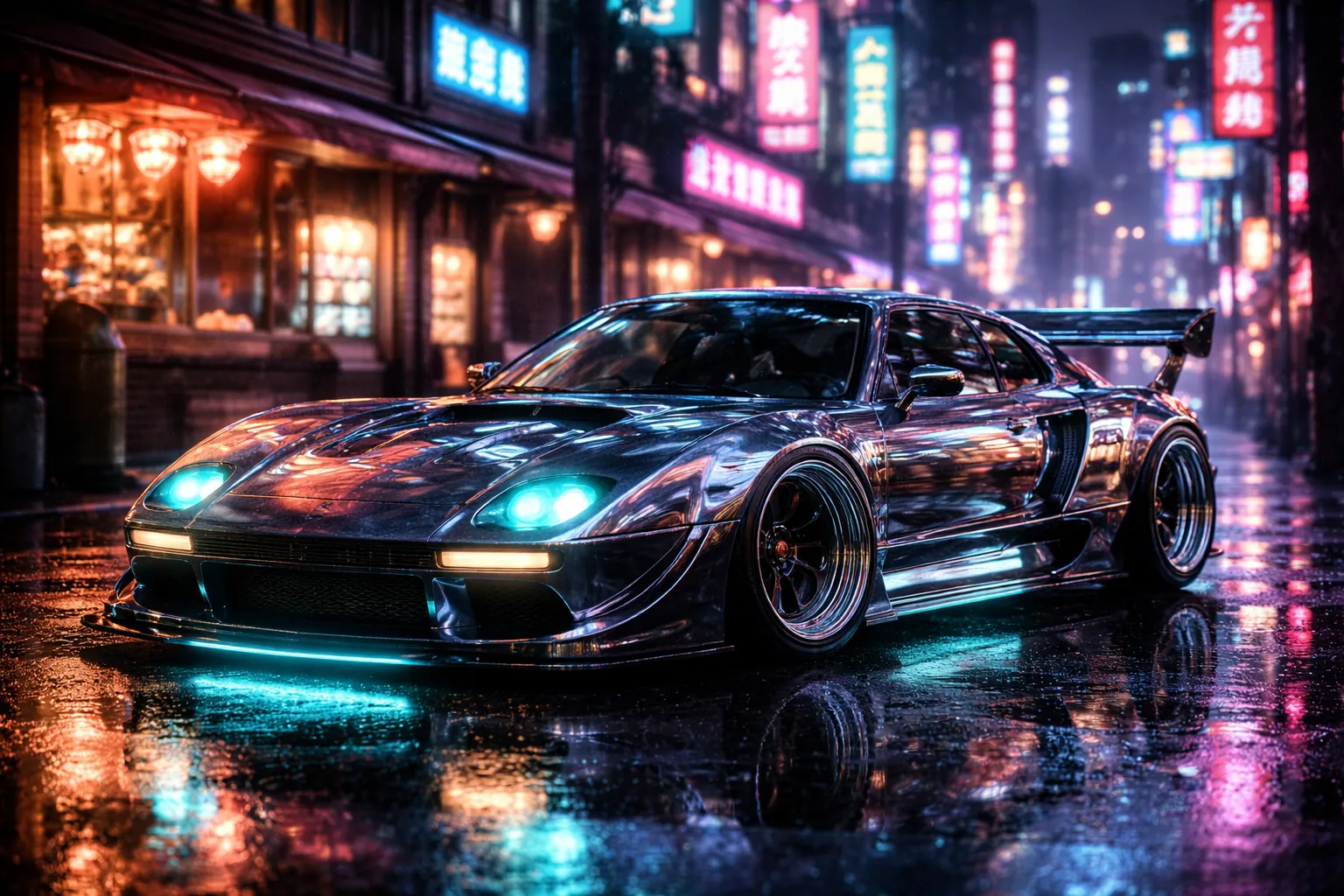
Created with GPT Image 2
12 works in different styles — photo, art, fantasy, design
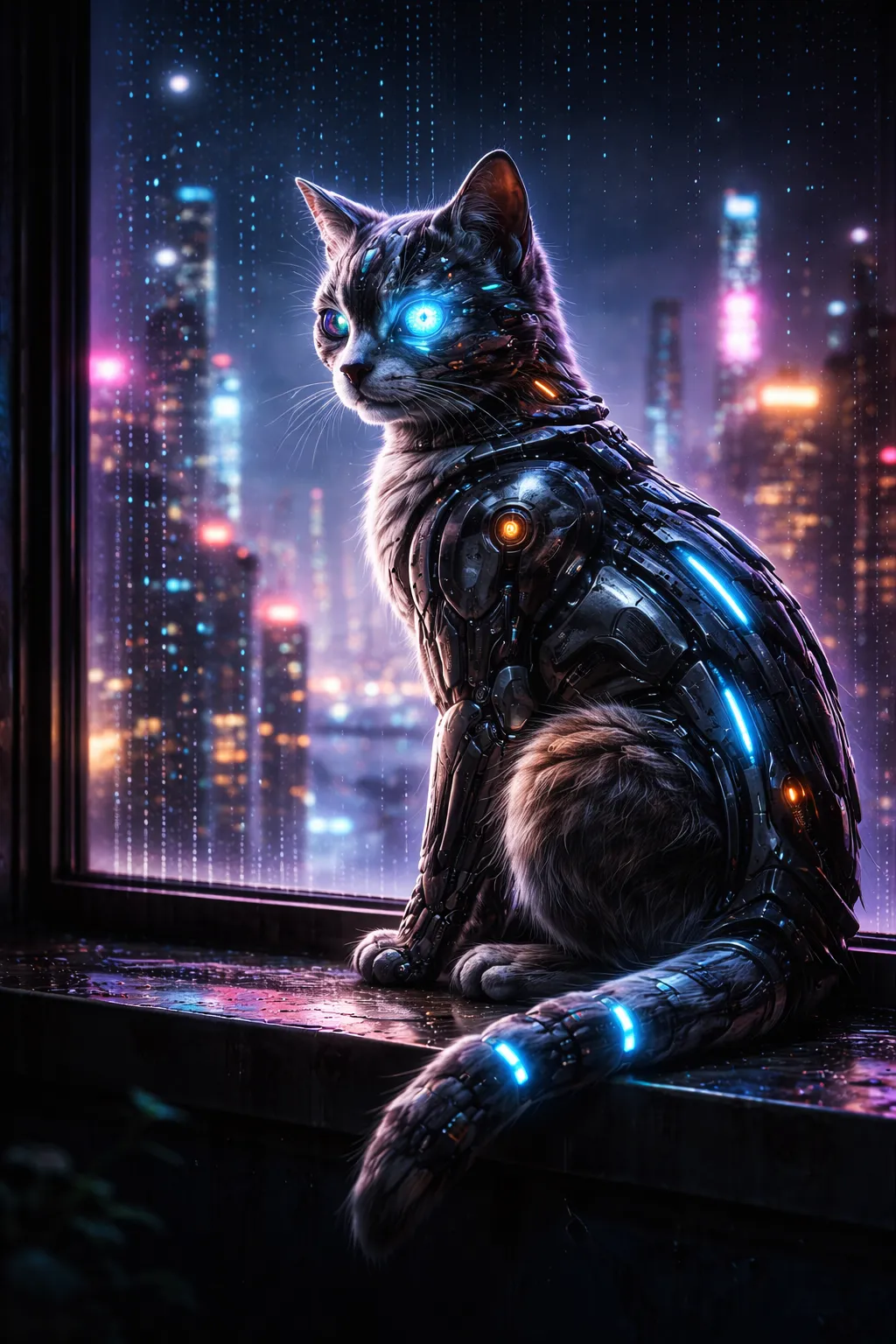
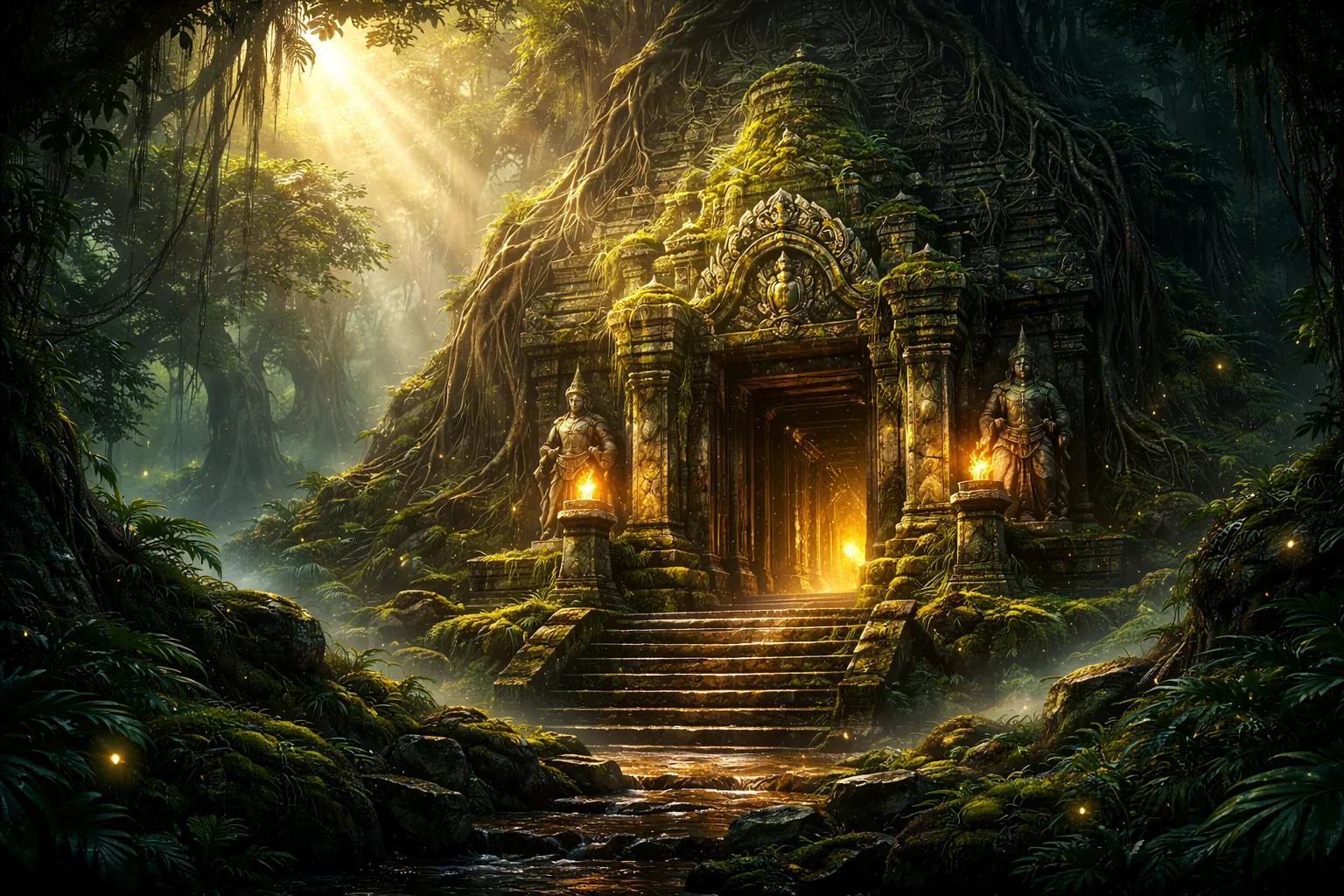
Prompt Lab
36 ready-to-use prompts in 6 categories — click and create
Three Steps to a Masterpiece
Open Hubery.ai
No VPN, no OpenAI account needed. Select GPT Image 2 from the model list and attach up to 16 reference images.
Describe the image
In any language. Describe the goal and the role of each reference — character, background, style, composition. Pick a quality tier: low, medium, high, or auto.
Get your result
8–15 seconds for low/medium, ~25 seconds for high. Download the result or call the edit endpoint to tweak the image in place — the original is preserved.
Hubery vs ChatGPT Plus
Why pay $20/mo when there's Hubery
GPT Image 2 FAQ
What is GPT Image 2?
GPT Image 2 is the next-generation image model from OpenAI (2026), succeeding GPT Image 1.5. The key new capability is multi-reference image-to-image: it accepts up to 16 input images in a single request and composes the result with all of them in mind. It also adds a native edit endpoint for in-place editing while keeping the family's strengths: accurate text rendering, photorealism, and long-prompt instruction following.
How is GPT Image 2 different from GPT Image 1.5?
Four core upgrades: (1) up to 16 reference images per request — combine character, style, background, and composition in a single shot; (2) a dedicated edit endpoint that preserves untouched pixels of the source; (3) explicit quality tiers (low / medium / high / auto) that trade speed and price for fidelity; (4) better adherence to long, structured prompts.
What does "16 reference images" actually mean?
You can attach up to 16 images as visual context: a person, a clothing reference, a background, a color palette, a composition reference. GPT Image 2 reads all of them and produces a new image that respects each. Useful for product photography, character consistency without LoRA training, brand-style transfer, mood boards, and collage workflows.
How much does one GPT Image 2 generation cost?
On Hubery.ai it ranges from about $0.07 per image at low quality to roughly $0.40 at high quality, depending on the chosen tier and resolution. Free tokens are granted on sign-up so you can try the model before paying. No subscriptions, no ChatGPT Plus required — pay-as-you-go.
Do I need a VPN or ChatGPT Plus?
No. GPT Image 2 is available directly on Hubery.ai with no VPN and no ChatGPT Plus subscription. It works in English and dozens of other languages, including Russian.
What formats and resolutions does GPT Image 2 support?
GPT Image 2 supports 1024×1024 (square), 1536×1024 (landscape), and 1024×1536 (portrait). For image-to-image it accepts JPG, PNG, and WebP. The dedicated edit mode keeps the unchanged regions of the source image pixel-accurate.
Can GPT Image 2 render text on images?
Yes. GPT Image 2 keeps the family's signature strength of legible text rendering. It produces clean, readable text on banners, logos, posters, menus, and infographics — in English, Russian, and other languages.
Can I use the results commercially?
Yes. Images generated with GPT Image 2 on Hubery.ai can be used for commercial work — marketing, social media, websites, marketplaces, and client deliverables.
GPT Image 2 — New OpenAI Model with 16-Reference Image-to-Image
GPT Image 2 is OpenAI's next-generation image model, the successor to GPT Image 1.5. The headline upgrade is multi-reference image-to-image: the model accepts up to 16 input images in a single request and composes the output while respecting every one of them. It also ships a dedicated edit endpoint for in-place changes — edits are applied to the source image without regenerating untouched pixels. GPT Image 2 keeps the family's signature strengths: legible text rendering, photorealism, and long structured-prompt adherence.
What's new in GPT Image 2 vs. 1.5
GPT Image 2 builds on the same multimodal backbone as GPT Image 1.5 but adds four capabilities that no prior OpenAI image model supported end-to-end:
- Multi-reference (up to 16 images). You can attach a character reference, a style sample, a color palette, a background, and a composition reference — and the model fuses them into one coherent output. Previously this required chaining multiple generations or external LoRAs.
- Native edit endpoint. Upload a finished image and describe the change; the model treats the request like a mask, leaving the rest of the pixels alone. Ideal for poster tweaks, product shots, and banner iteration without losing the source.
- Quality tiers (low / medium / high / auto). Pick fast, cheap iteration for exploration or maximum fidelity for final assets. Price and latency scale with the tier.
- Better long-prompt adherence. GPT Image 2 handles multi-step instructions over 1,500+ characters more reliably — lists of requirements, technical parameters, and composition constraints are respected more often.
Multi-reference: what 16 references are actually for
The 16-reference capability is the main reason to move from GPT Image 1.5 to GPT Image 2. Practical workflows:
- Marketplace product cards. Product shot + 3 backgrounds + lighting reference = a consistent series of listings.
- Character consistency. 4–8 portraits from different angles + clothing reference + scene = new frames of the same person, no LoRA training required.
- Brand-style transfer. Logo + brand colors + examples of existing creative = new assets that land inside your brand guidelines.
- Mood boards and collages. Assemble a visual idea from 10–16 sources and get a single image that unifies them stylistically.
- Style transfer. Source photo + artistic style reference = the same subject rendered in the chosen manner with original details preserved.
GPT Image 2 without ChatGPT Plus — how it works on Hubery.ai
On Hubery.ai, GPT Image 2 is available through a clean web UI — no ChatGPT Plus subscription ($20/mo), no VPN. Attach 1 to 16 reference images, describe the task, pick a quality tier, and you get a result in 8–25 seconds. Pricing ranges from about $0.07 at low quality to $0.40 at high quality. Free tokens are granted on sign-up.
Hubery.ai also gives you access to 50+ AI models inside a single account: GPT Image 2, GPT Image 1.5, DALL-E 3, Midjourney, Stable Diffusion, Flux, Seedream, NanoBanana, Ideogram, plus dozens of text, code, and audio models. No need to pay each vendor separately — everything runs off one balance.
GPT Image 2 vs GPT Image 1.5
GPT Image 1.5 is still a great choice for one-shot text-to-image generations: it's cheaper, faster, and for a typical prompt the output is comparable. GPT Image 1.5 remains available on Hubery.ai. Move to GPT Image 2 when you need image-to-image with multiple references, in-place editing without regenerating, explicit quality control, or reliable execution of a long brief. For commercial assets with character or brand consistency, GPT Image 2 saves several iteration cycles compared to 1.5.
GPT Image 2 vs DALL-E 3 and Midjourney
DALL-E 3 is built on a prior-generation diffusion pipeline and supports neither multi-reference nor a native edit endpoint. For collages, product photos with character consistency, and branded series, GPT Image 2 stays noticeably closer to the brief.
Midjourney v7 still leads on artistic atmosphere, but it runs through Discord, has no multi-image API, is weaker with on-image text, and can't edit a specific region of a finished image. GPT Image 2 wins where precision, text, edit, and predictable iteration matter.
Both DALL-E 3 and Midjourney are also available on Hubery.ai — pick the tool that fits the task without switching platforms.
Prompt examples for GPT Image 2
Ready-to-use prompts you can paste into Hubery.ai. For multi-reference prompts, attach the images first and then paste the text:
[Multi-ref: 1=product photo, 2=studio backdrop, 3=lighting reference]
Marketplace card: product from ref1 on backdrop from ref2,
match the lighting and shadows of ref3, add a "NEW" badge
in the top-right corner, 1024×1024, high quality.
[Multi-ref: 1=portrait of the person, 2=outfit sample, 3=scene]
Same person as ref1 wearing the outfit from ref2, in the
location shown in ref3. Natural light, full-length portrait,
photorealistic.[Edit endpoint: a finished movie poster uploaded]
Replace the tagline with "Premieres May 1" in the same font,
leave everything else untouched. Preserve composition pixel-for-pixel.[Text-to-image, high quality]
Coffee shop logo "North" — minimal, black on white,
a geometric pine tree built from two triangles, wordmark below
in a monospaced font. No gradients.Professional use cases
GPT Image 2 covers jobs that previously required a designer or multiple specialist models:
- E-commerce. Series of product cards with consistent background, lighting, and style — built from one product shot and a handful of references.
- Marketing and advertising. Social creatives, banners with accurate copy and pricing, A/B variants in low quality, finals in high.
- Branding. Logo concepts, identity mockups, and creative that stays inside an existing brand guideline via multi-reference.
- Product prototyping. UI mockups and landing-page illustrations that match the visual language of the product.
- Editorial and social content. Original covers and illustrations with clean, legible copy — instead of stock imagery.
- Post-production. The edit endpoint replaces routine Photoshop chores: swap a background, remove an object, update a caption, all without re-rendering the whole image.