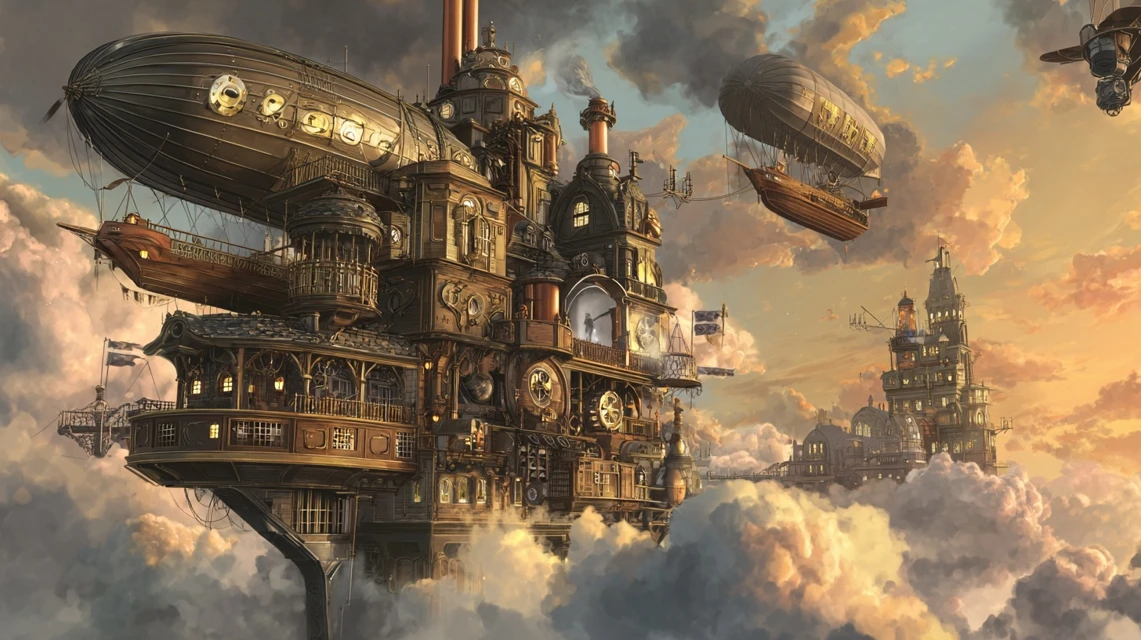
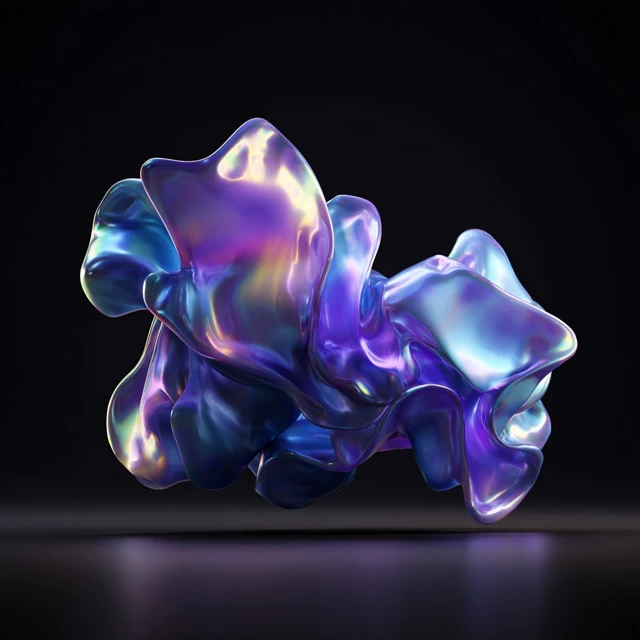
AI Image Generation Midjourney v7
Midjourney online — photorealistic images, art and illustrations from a text description. No VPN or Discord needed.
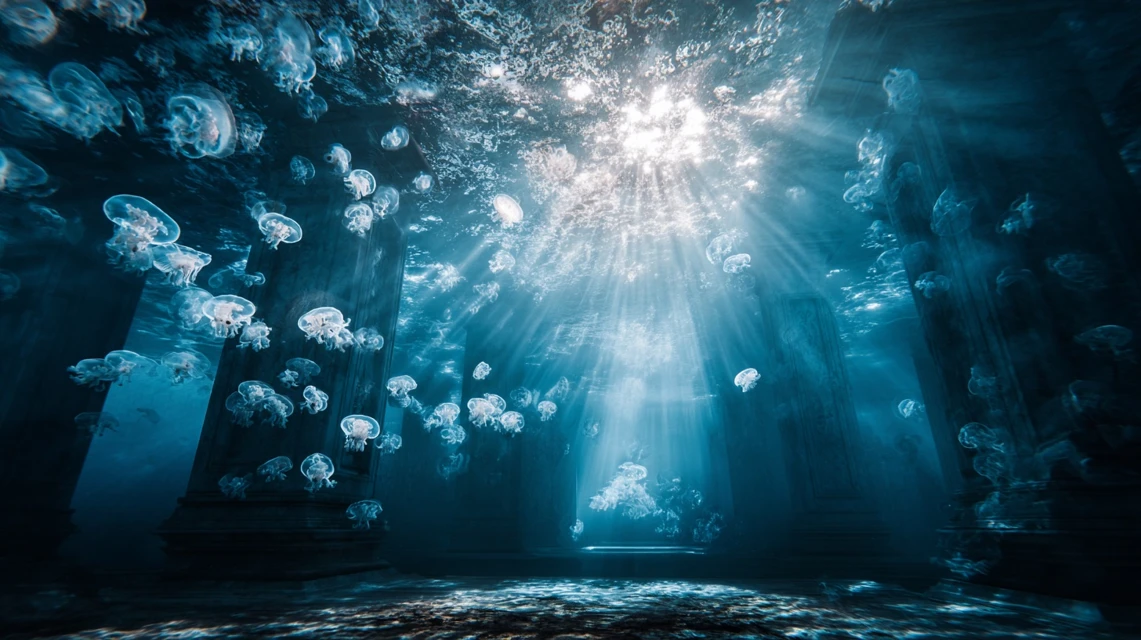
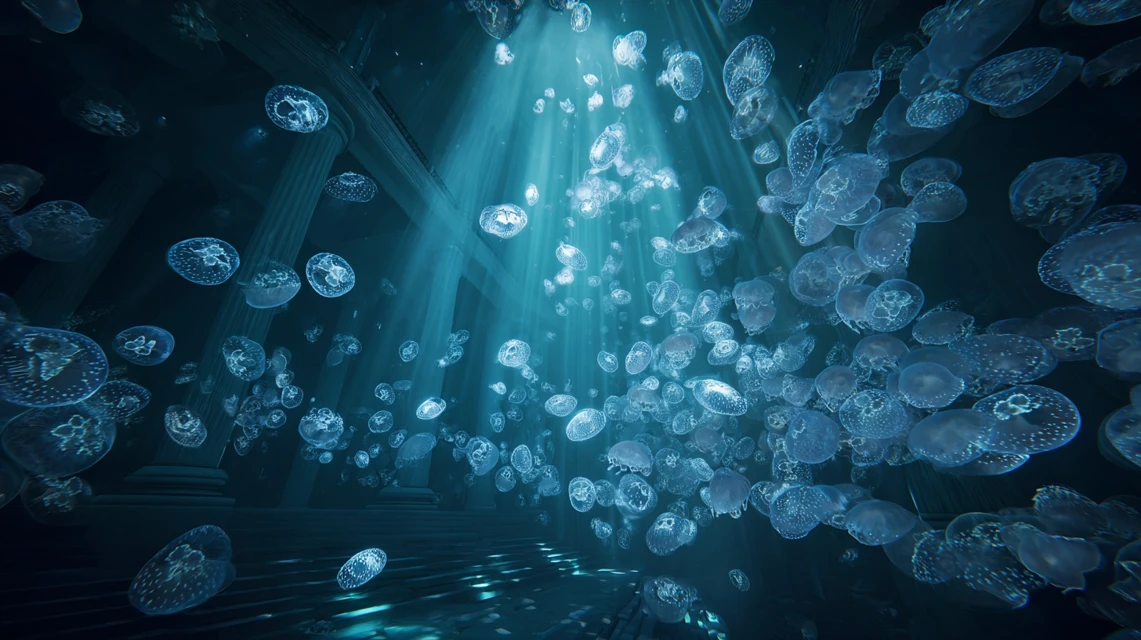
Created with Midjourney on Hubery.ai
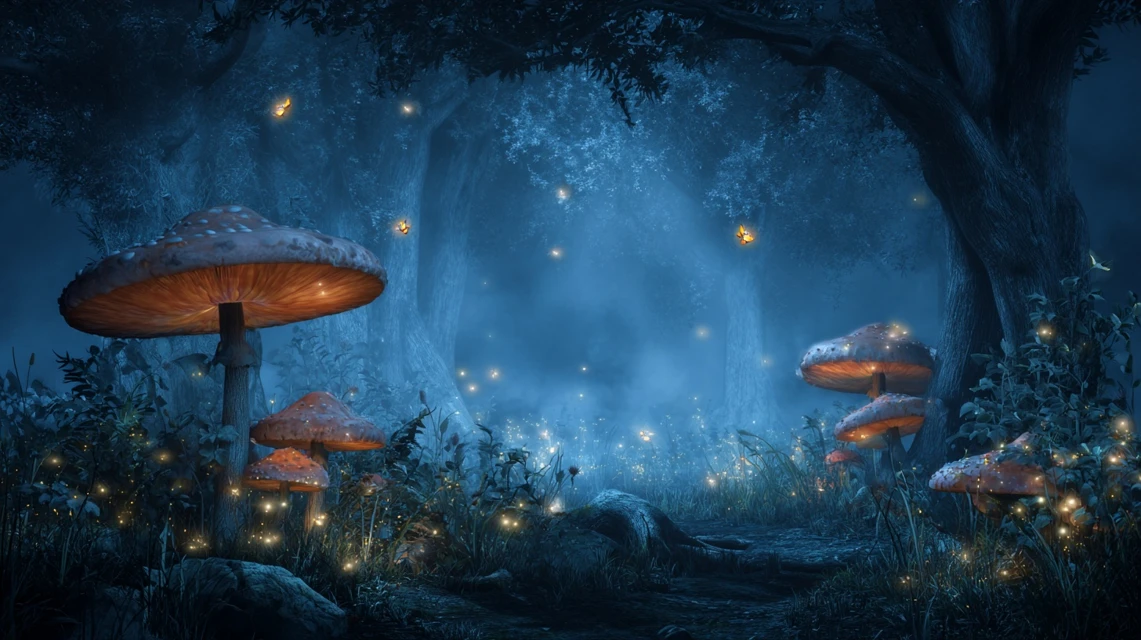
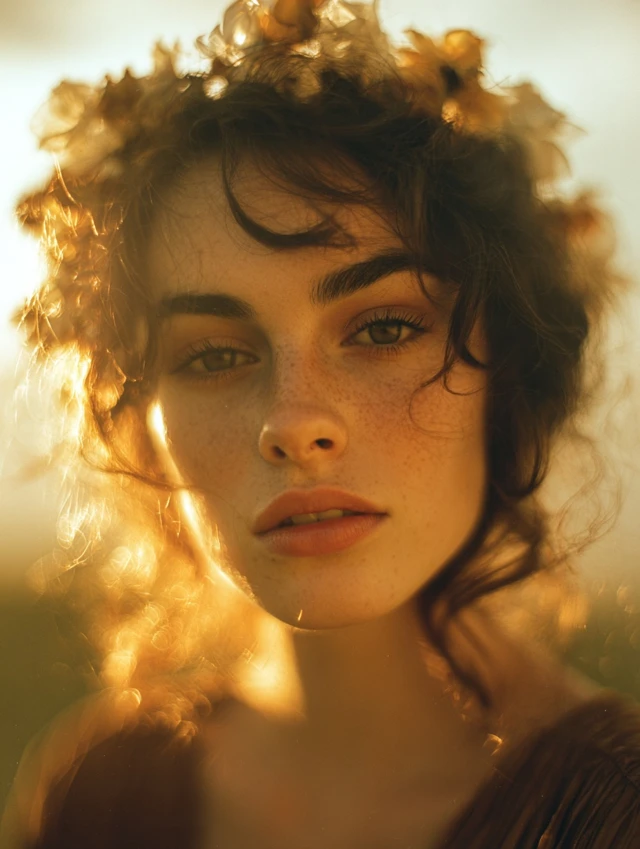
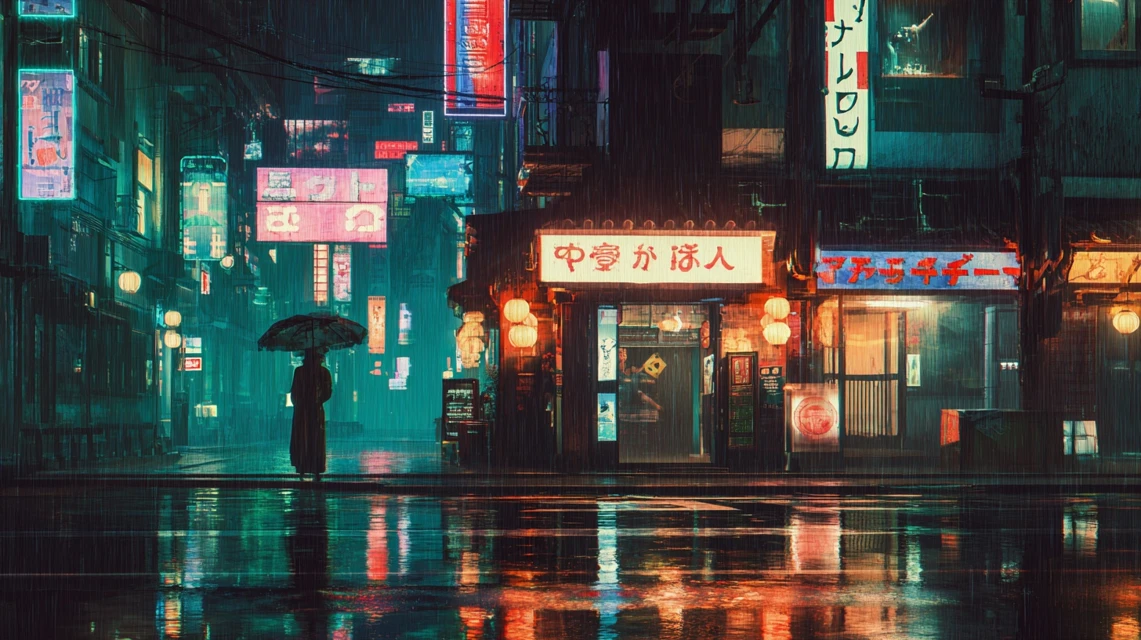
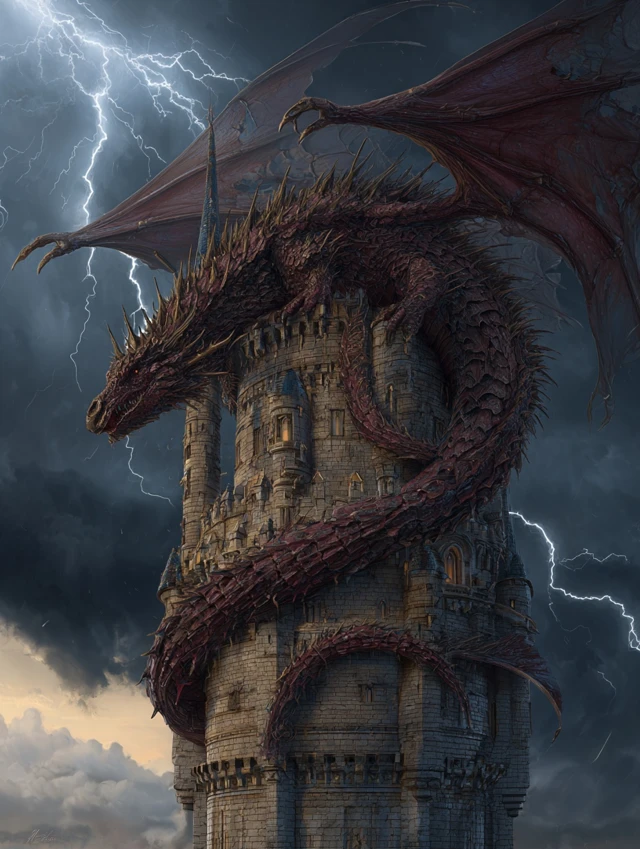
Real generation examples — from portraits to fantasy worlds
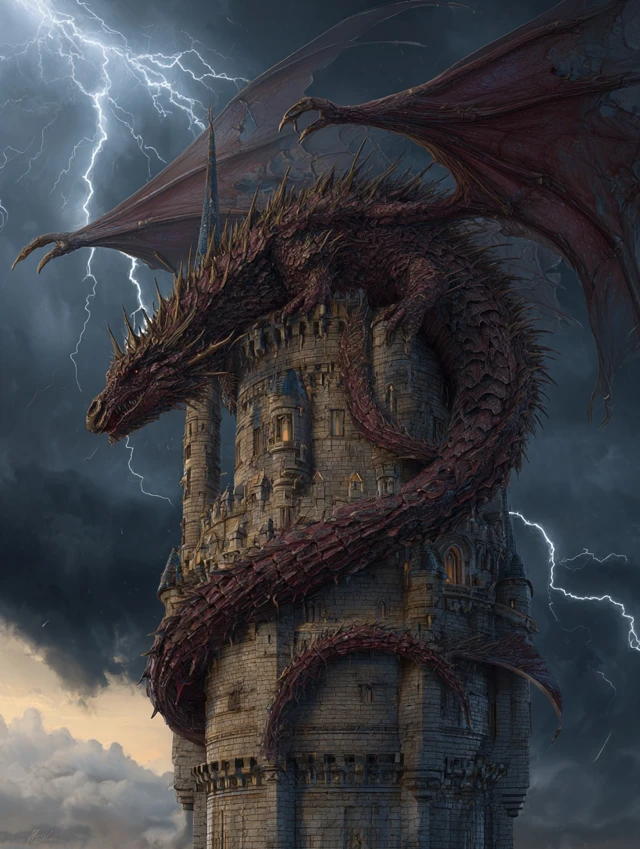
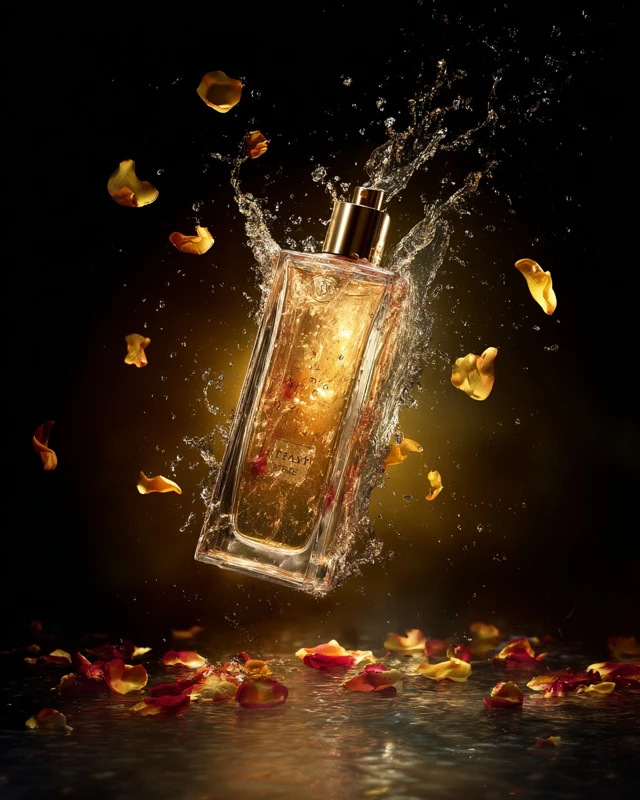
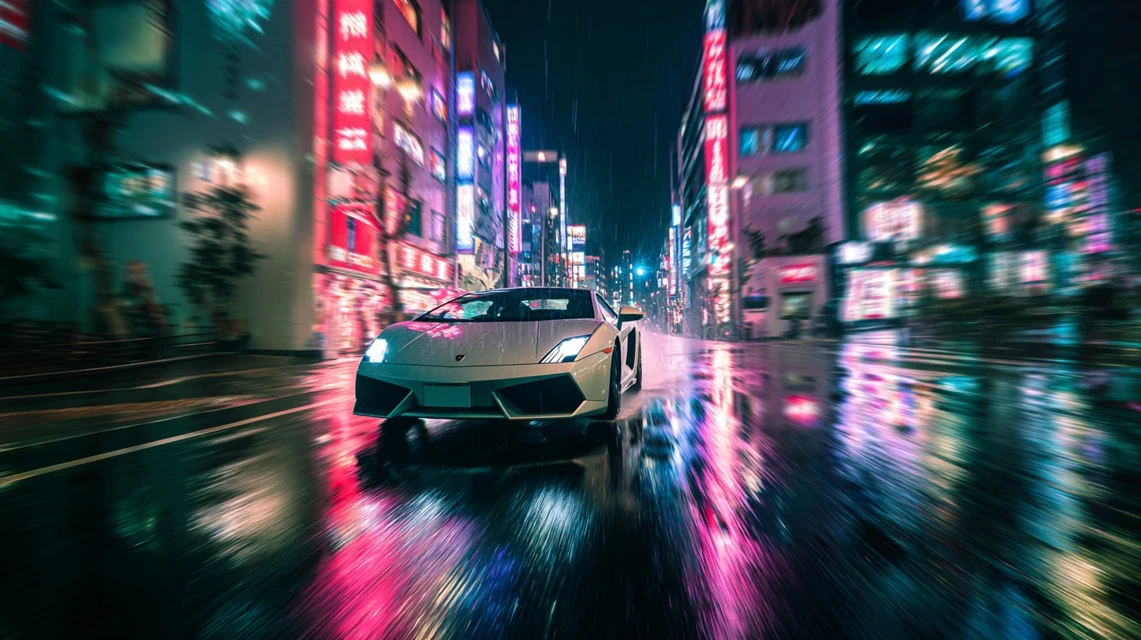
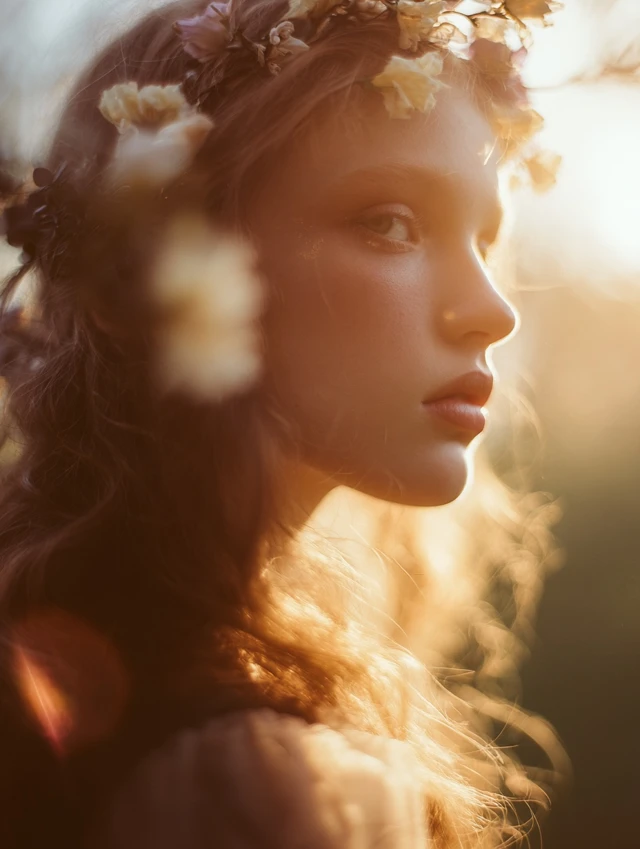
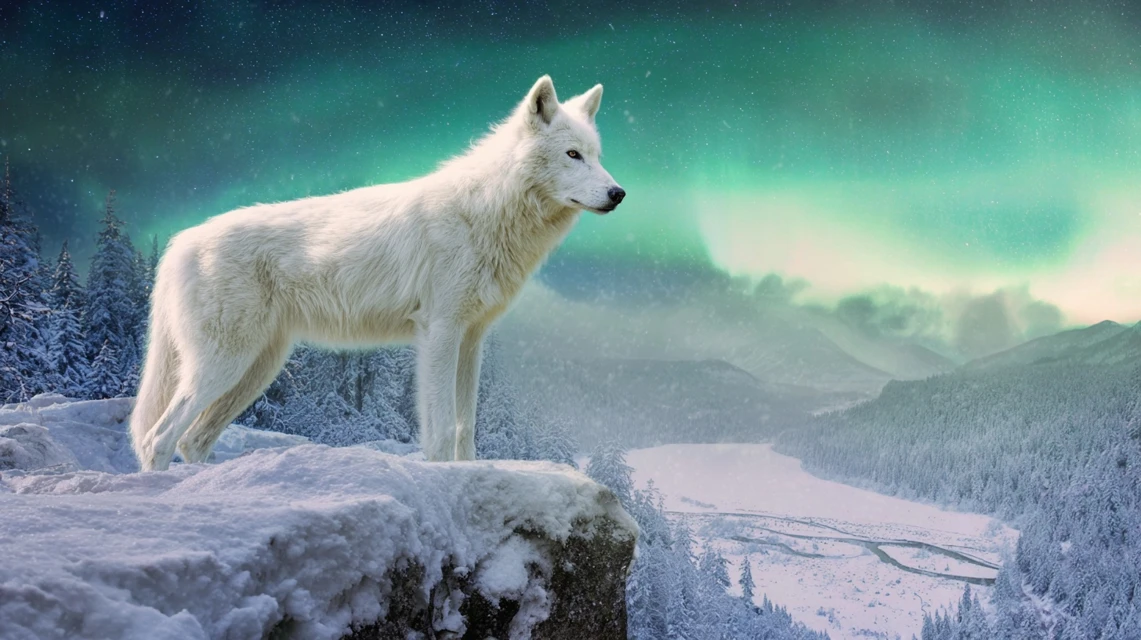
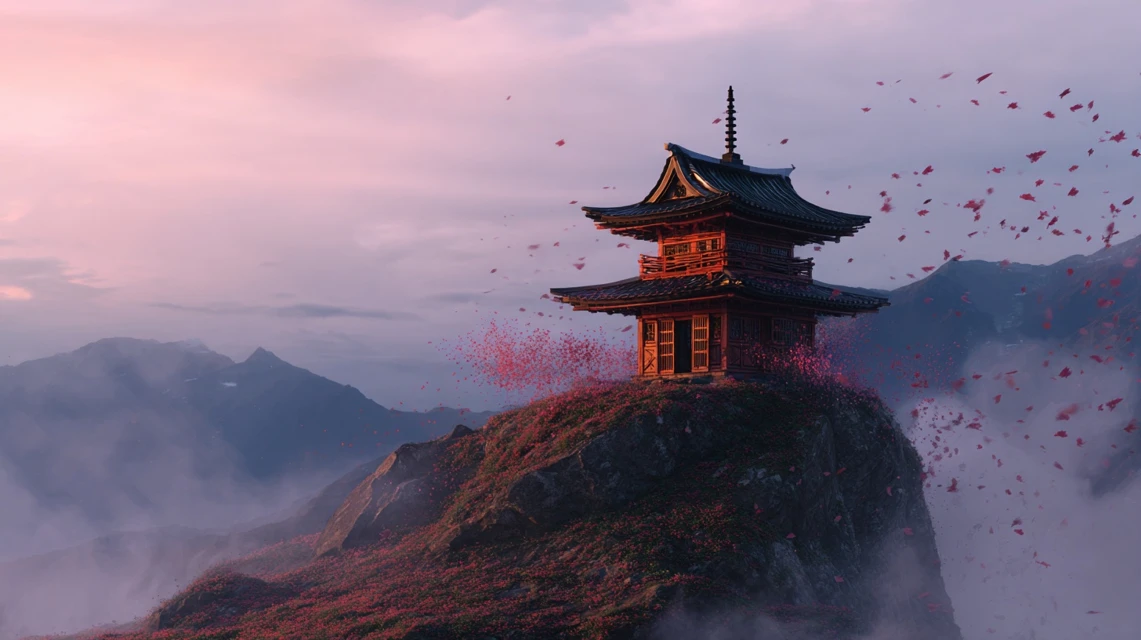
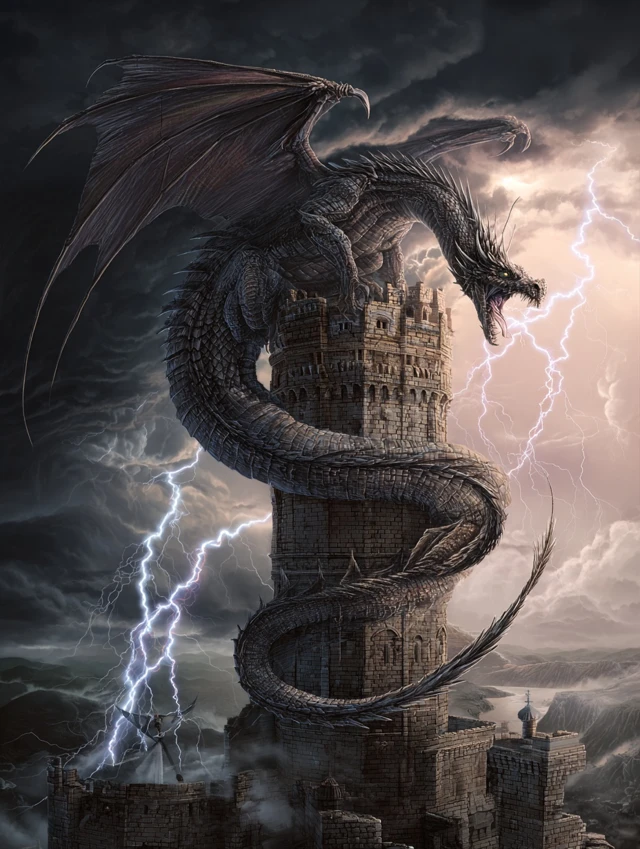
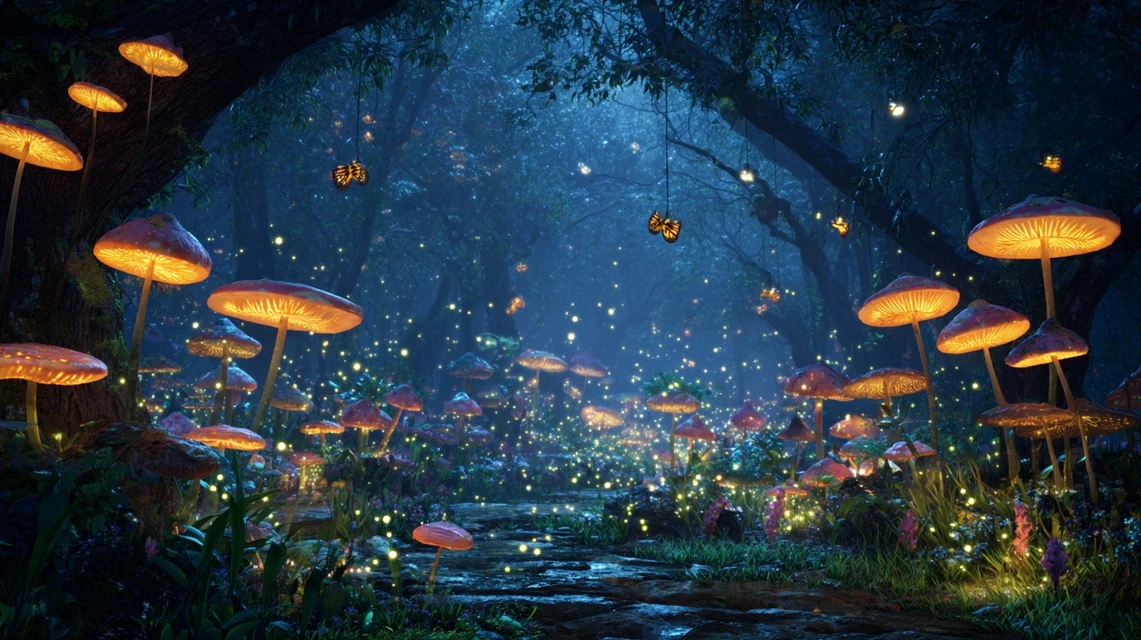
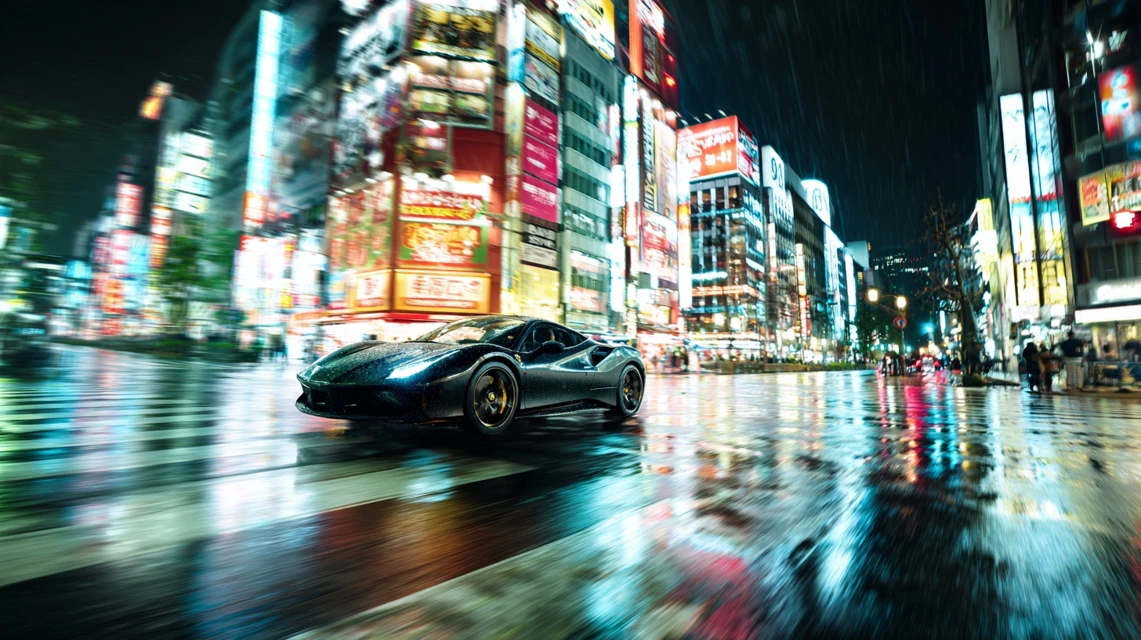
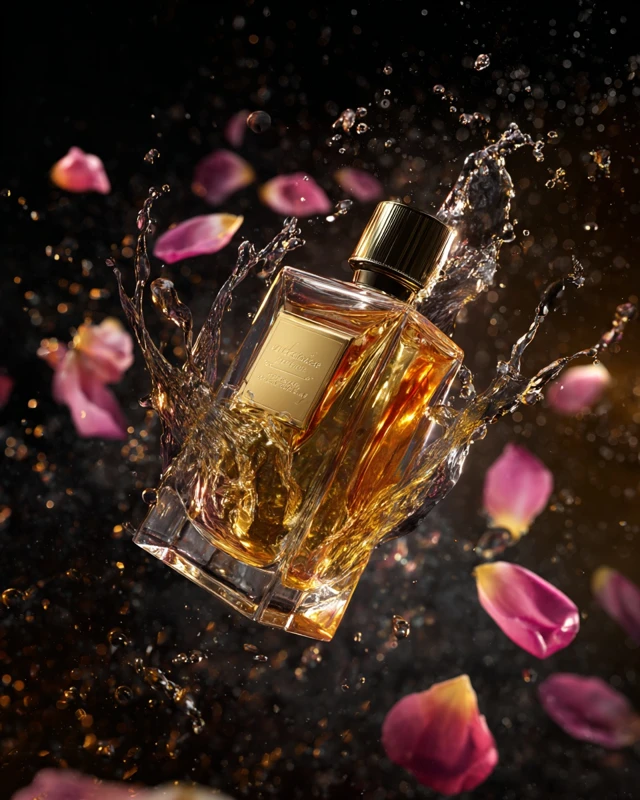
Any style. Any idea.
Midjourney can do it all — from photographs to digital paintings
Photorealism
40%Images indistinguishable from photographs — portraits, landscapes, product shots
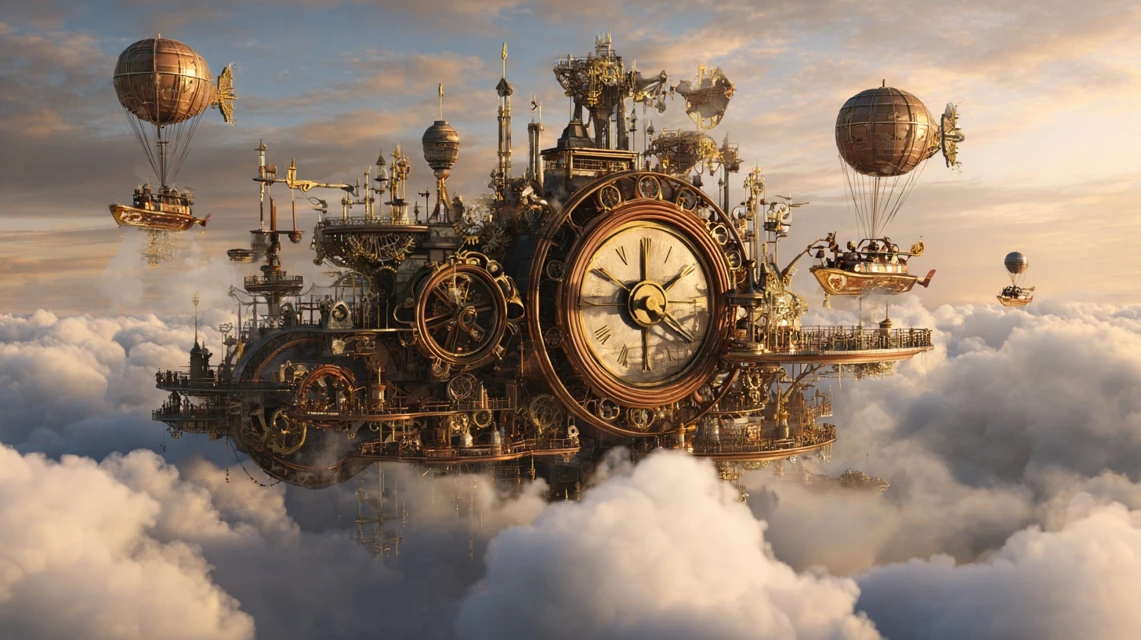
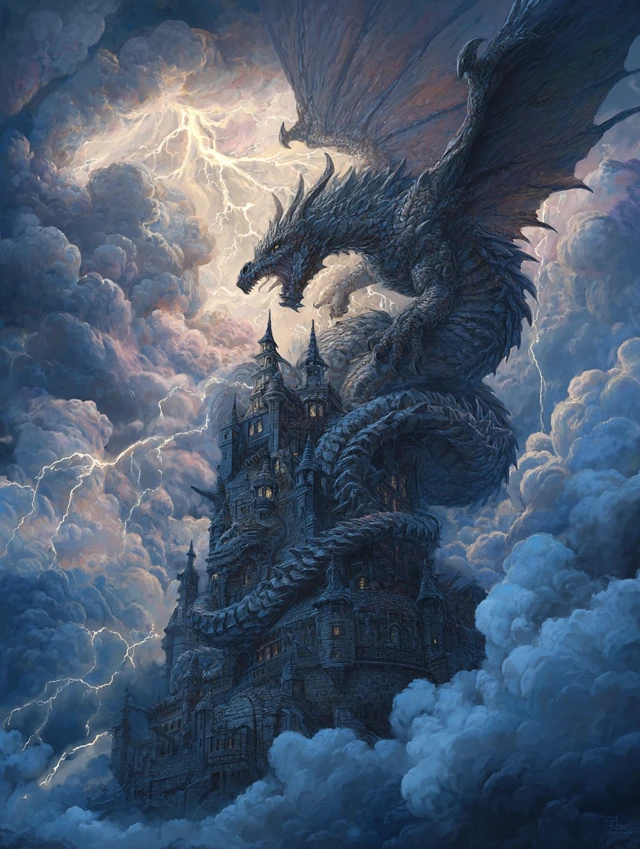
Fantasy & Sci-Fi
25%Dragons, spaceships, magical worlds and epic scenes
Concept Art
15%Character, location and object design for games and films
Anime & Illustration
10%Stylized illustrations in anime, manga and comic styles
Architecture
5%Visualization of buildings, interiors and urban spaces
Abstract
5%Abstract art, textures, patterns and surrealism
From idea to image in 30 seconds
Midjourney on Hubery.ai — no VPN, no Discord, no complex commands
Open Hubery.ai
No VPN needed — the site is accessible directly worldwide
Describe your image
Write a prompt in any language — the system optimizes the request automatically
Get 4 variations
In 30–60 sec. Choose the best one or create more variations
Hubery vs midjourney.com
Why use Midjourney through Hubery.ai
| RecommendedHubery.ai | midjourney.com | |
|---|---|---|
| No VPN needed | ✓ | — |
| No Discord required | ✓ | — |
| Multi-language support | ✓ | — |
| Easy online payments | ✓ | — |
| Midjourney v7 | ✓ | ✓ |
| Free plan | ✓ | — |
| 50+ other models | ✓ | — |
Frequently Asked Questions about Midjourney
Can I use Midjourney for free?
Yes, Hubery.ai offers a free plan: up to 10 generations per day at no cost. Images are created at standard resolution. For higher limits and access to HD generation, paid plans are available starting from $3/mo.
How to use Midjourney without Discord?
On Hubery.ai, Midjourney works through a convenient web interface. No bots, Discord servers, or slash commands needed. Open the page, write your image description, choose parameters (aspect ratio, style, model version) and click "Create". Results appear in 30–60 seconds.
Does Midjourney support multi-language prompts?
Yes, you can write prompts in multiple languages. The system automatically translates the description into English for optimal results. Based on our testing, generation quality from translated prompts matches English ones — the translation algorithm accounts for Midjourney-specific terminology.
What is the difference between Midjourney v7 and v6?
Midjourney v7 is the latest version (2025) with significant improvements: accurate understanding of long text prompts, realistic hand and face anatomy (the main issue in v6), support for complex multi-figure compositions, improved text rendering on images, and a new --personalize parameter to adapt to your style. V7 is also faster: average generation time decreased from 60 to 30 seconds.
What styles does Midjourney support?
Midjourney supports virtually any visual style: photorealism (portraits, product shots, landscapes), fantasy and sci-fi (dragons, space, magic), anime and manga, 3D rendering, concept art for games and films, architectural visualization, abstract art, steampunk, noir, and more. Use --style raw for more "raw" results or --stylize for enhanced artistry.
What other AI image models are available on Hubery.ai?
In addition to Midjourney, the platform offers Stable Diffusion (best for precise control over generation), DALL-E 3 from OpenAI (deep text understanding), Flux (a new fast model), plus 50+ other models for text, images, and video. All models work through a single web interface.
Can I use Midjourney images commercially?
Yes, images created on paid Midjourney plans are available for commercial use: printing on merchandise, advertising, commercial projects, and website publishing. On the free plan, images are licensed for non-commercial use only. When listing on marketplaces, we recommend labeling images as "AI-generated" for transparency.
How to write a good Midjourney prompt?
A good Midjourney prompt follows this formula: [subject] + [style] + [lighting] + [mood] + [parameters]. For example: "portrait of a woman in Wong Kar-wai film style, neon lighting, melancholic mood --ar 2:3 --v 7". Be specific: instead of "beautiful landscape" write "mountain lake at dawn, mist over water, pine tree reflections". Use --no to exclude unwanted elements and --stylize to control artistic intensity.
What is Midjourney best at compared to DALL-E and Stable Diffusion?
Midjourney leads in aesthetics and artistic quality — ideal for concept art, illustrations, photorealistic portraits, and architectural visualizations. DALL-E 3 excels at precise instruction following and text rendering. Stable Diffusion offers maximum control with ControlNet, img2img, and LoRA. On Hubery.ai, all three are available in one interface so you can pick the best tool for each task.
Updated: April 15, 2026
Midjourney — AI Image Generation Without Discord
Midjourney is an AI model for creating images from text descriptions, developed by David Holz's research lab in San Francisco. Over 70,000 people search for Midjourney access every month, but the official service only works through Discord — making it inconvenient for users who prefer a simple web interface. On Hubery.ai, Midjourney is available directly in your browser with no Discord account required.
Midjourney without Discord — how it works on Hubery.ai
On Hubery.ai, Midjourney is available through a full-featured web interface. Instead of Discord bot commands like /imagine, you simply enter a description of the desired image in the text field and click "Create". The platform automatically optimizes your prompt for the model and sends the request to the Midjourney API. The result — 4 image variations in 30–60 seconds.
The workflow is straightforward: open the site, enter a description, choose the aspect ratio and model version. After generation, you can upscale the preferred variant, create additional variations, or start a new generation with a modified prompt. All images are saved in your history and available for download at full resolution.
Unlike the original Discord bot, you don't need to navigate channels, slash commands, and emoji reactions. The interface works like a regular chat: type text — get an image. This is especially valuable for users who have never used Discord and don't want to install an extra app just to generate images.
Midjourney v7 features — what's new in 2025–2026
Version v7, released in 2025, is the most significant Midjourney update in the project's history. The model was retrained from scratch on a new architecture, resulting in a quality leap across several dimensions:
- Prompt understanding — v7 follows long and complex descriptions more accurately. If you ask for "a ginger cat sitting on a stack of books by a window on a rainy day", the model reproduces every detail, not just the general mood. This is especially noticeable in prompts with multiple objects and spatial relationships ("to the left of", "in front of", "between").
- Hand and face anatomy — the main issue of previous versions. V7 generates correct fingers, natural facial expressions, and proportional poses in the vast majority of cases. Hand artifacts dropped by an order of magnitude compared to v5.
- Text on images — v7 can embed readable text (signs, headlines, inscriptions on objects), which is critical for marketing materials and mockups. For longer text, use quotes in your prompt:
"Your Text Here". - --personalize parameter — a new feature that adapts the generation style to your preferences based on previous choices. The more you generate, the better the model adapts to your taste.
- Speed — average generation time decreased from 60 to 30 seconds thanks to infrastructure optimization.
- Draft mode — quick preview generation in 10 seconds to check composition before creating the final version.
Midjourney vs DALL-E 3 vs Stable Diffusion — AI model comparison
Each of the three leading image generation models has distinct strengths. Your choice depends on the task:
- Midjourney — the leader in aesthetics and artistic quality. Ideal for concept art, illustrations, photorealistic portraits, and architectural visualizations. Best at atmosphere, lighting, and stylization. If you need a "beautiful image", Midjourney is the first choice.
- DALL-E 3 — excels at precise instruction following and text rendering on images. Best for infographics, diagrams, social media cards with text overlays. Deeply integrated with ChatGPT, enabling iterative prompt refinement through dialogue.
- Stable Diffusion — maximum control: ControlNet, img2img, LoRA adapters, inpainting. Best for tasks requiring precise composition control, reference-based generation, or fine-tuning on custom data.
- Flux — the new model from Stable Diffusion creators. Fast generation with strong quality, excels at photorealism and textures. An excellent speed-to-quality balance for everyday tasks.
On Hubery.ai, all these models are available in a single interface — switch between them based on your task without leaving the platform.
Tips for writing Midjourney prompts
Result quality directly depends on the prompt. Here are recommendations verified across thousands of generations on our platform:
- Prompt structure: [subject] + [style] + [lighting] + [mood] + [parameters]. For example: "portrait of a woman in Wong Kar-wai film style, neon lighting, melancholic mood --ar 2:3 --v 7".
- Specificity — instead of "beautiful landscape" write "mountain lake at dawn, mist over water, pine tree reflections, cinematic photography, golden hour".
- Parameters:
--ar 16:9for widescreen images,--ar 2:3for portraits,--style rawfor realism,--stylize 750for enhanced artistry. - Negative prompt: use
--noto exclude elements. For example:--no text, watermark, blurry. - Style references: add names of artists, photographers, or cinematographers for stylization. For example: "in the style of Studio Ghibli" or "shot by Roger Deakins".
- Weight syntax: use
::to control element priority. For example:cat::2 garden::1makes the cat the dominant element.
Ready-to-use prompt examples
Copy these prompts and use them directly on Hubery.ai:
- Photorealistic portrait:
professional headshot portrait, soft studio lighting, shallow depth of field, 85mm lens, neutral background --ar 2:3 --style raw --v 7 - Game concept art:
fantasy warrior standing on cliff edge overlooking vast kingdom, dramatic sunset, volumetric lighting, epic scale, concept art --ar 16:9 --v 7 --stylize 800 - Interior design:
modern minimalist living room, floor-to-ceiling windows, warm wood accents, scandinavian style, architectural photography --ar 16:9 --style raw --v 7 - Blog illustration:
isometric illustration of remote work setup, cozy home office, warm colors, flat design with subtle 3D elements --ar 3:2 --v 7 --stylize 400
Who is Midjourney for
Midjourney is used by professionals across various fields:
- Designers generate mood boards, concepts, and references in minutes instead of hours of searching stock libraries. According to a Creativebloq survey (2025), 67% of graphic designers use AI generation during ideation.
- Marketers create unique illustrations for social media, advertising banners, and email campaigns. A single generation costs less than purchasing a stock photo.
- Game designers visualize characters, locations, and items during prototyping, accelerating the transition from idea to visual prototype.
- Architects get quick interior and exterior visualizations for client presentations before working in 3D software.
- Content creators produce YouTube thumbnails, article illustrations, and original visual content for blogs and newsletters.
- Entrepreneurs get packaging, logo, and advertising material prototypes without design studio costs in early stages.
Commercial use of Midjourney images
Images created through Midjourney on paid plans are available for commercial use. This includes printing on merchandise, placement in advertising, use in commercial projects, and publishing on websites. On the free plan, images are licensed for non-commercial use only. When listing on marketplaces, we recommend labeling images as "AI-generated" for transparency.
Plans and pricing
The free plan includes up to 10 generations per day at standard resolution — enough to explore Midjourney's capabilities and test prompts. Paid plans starting from $3/mo unlock HD generation, increased limits, priority queue, and full generation history.
The platform also offers ChatGPT, Claude, and 50+ other AI models — all in one subscription. Generate images with Midjourney, edit text with ChatGPT, and analyze data with Claude without switching between services.